Once
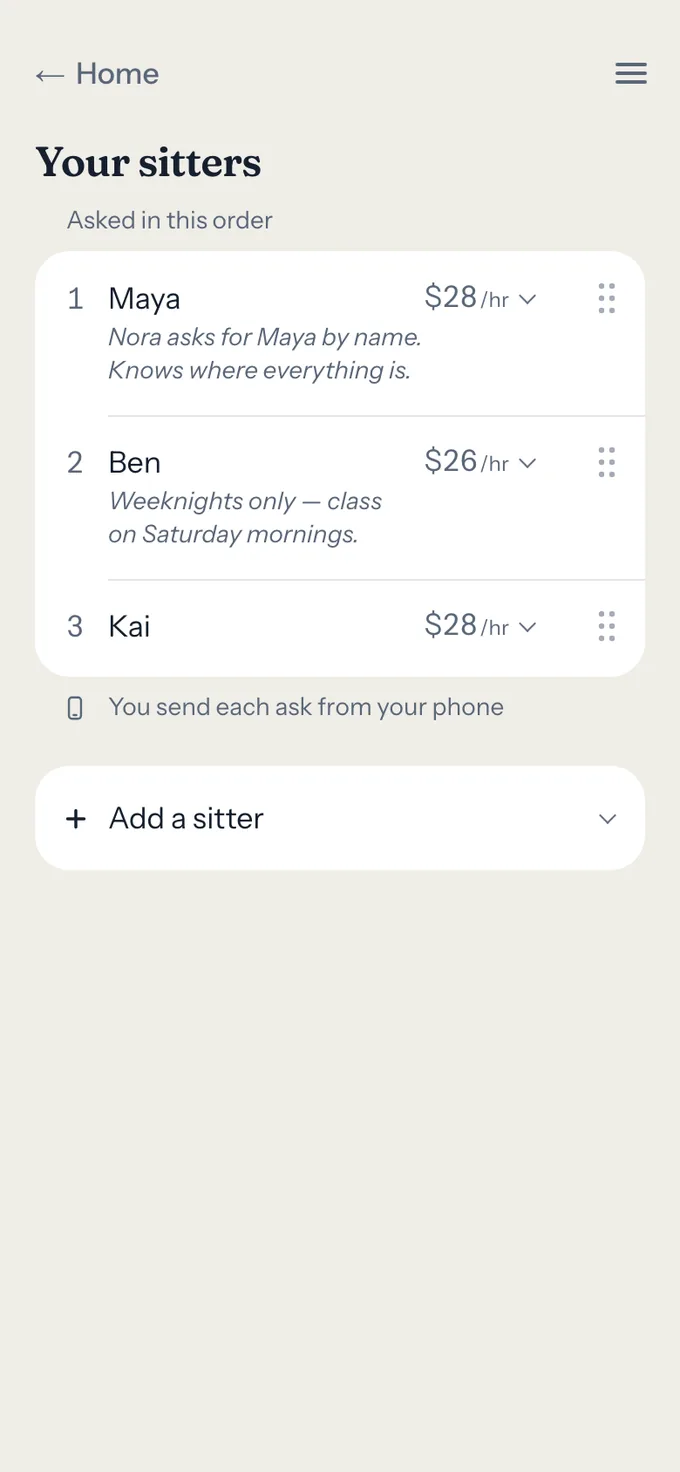
Rank the sitters you already trust.
A first name, a mobile number and the rate you've agreed, in the order you'd call them. You confirm each is 18 or older.
Thursday, 5:40 pm
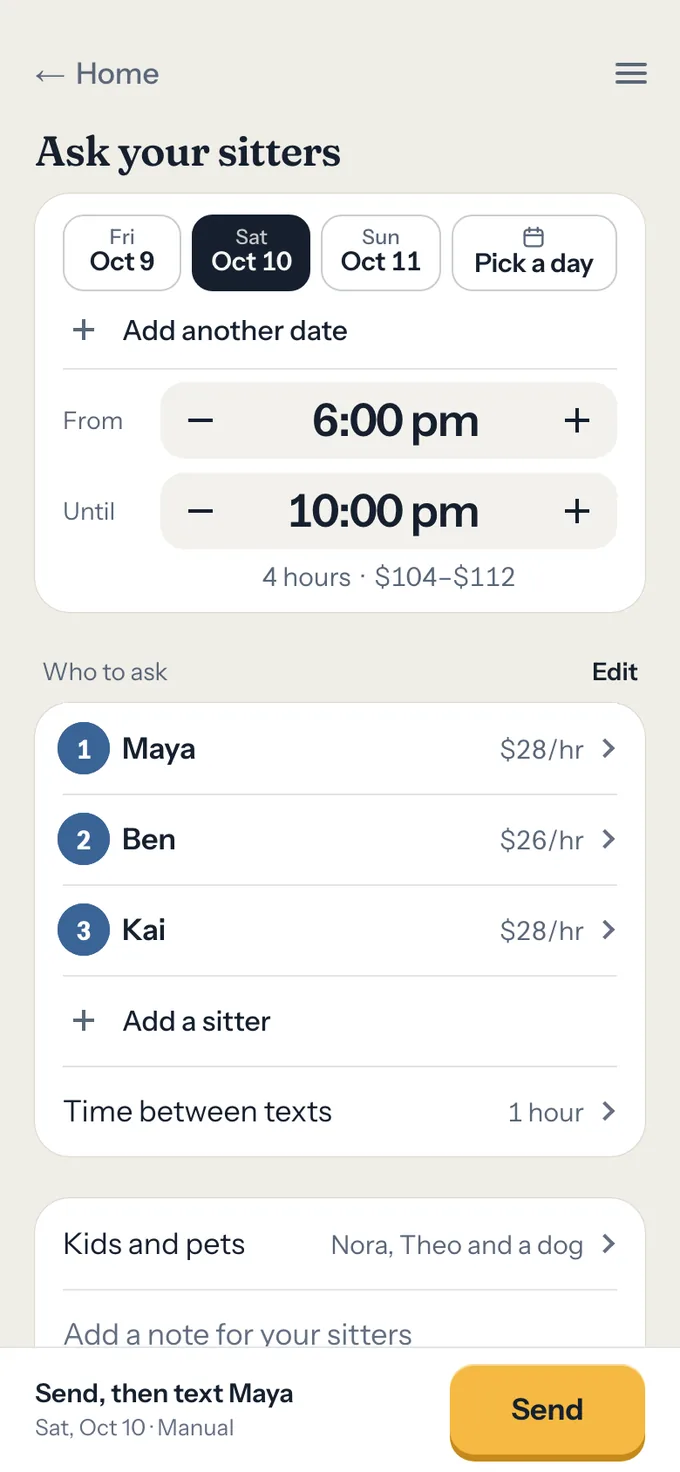
Tuck writes each ask in the order you rank your sitters, says when the next one is ready, and books the first sitter to say yes. You send each one from your own phone.
Free for families. No password, ever.
Already set up? Sign in, or walk through the demo first.
Hi Maya, can you watch Nora and Theo (and a dog) on Sat, Oct 10, 6 to 10 pm? Answer with one tap: https://asktuck.com/r/9fK2x7
Tuck drafts it in your names. You press send.
Maya taps one button in a text. No app to install, no account needed.
How it works
Once
A first name, a mobile number and the rate you've agreed, in the order you'd call them. You confirm each is 18 or older.
Thu 5:40 pm
The day, the hours, which kids and pets, the rate, and how long before the next text if nobody's said yes. An hour, this time.
5:41 pm
It goes from your phone, a number Maya knows, with Alex on the thread. The page it opens shows no sign anyone else was asked.
Meredith and Alex are asking
Saturday, October 10
6 to 10 pm
Nora and Theo, ages 6 and 3, and a dog
$28 an hour — $112 in allChange rate
“Just dinner out, nothing fancy.”
Yes, I’m in
Yes, with a change
6:05 pm
Once Maya's hour is up, Ben's text is ready for you to send. Don't want to wait? Ask Ben now.
Ben’s text is ready at 6:41 pm.
6:09 pm
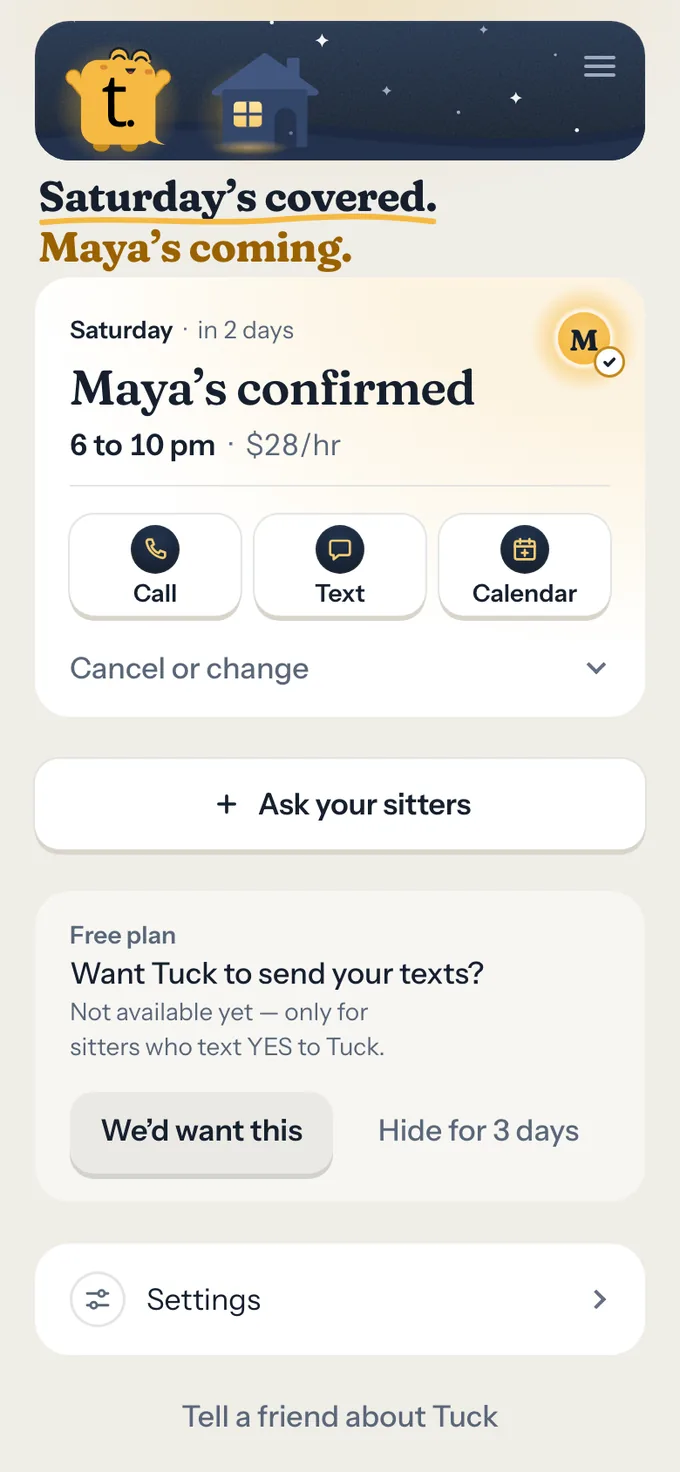
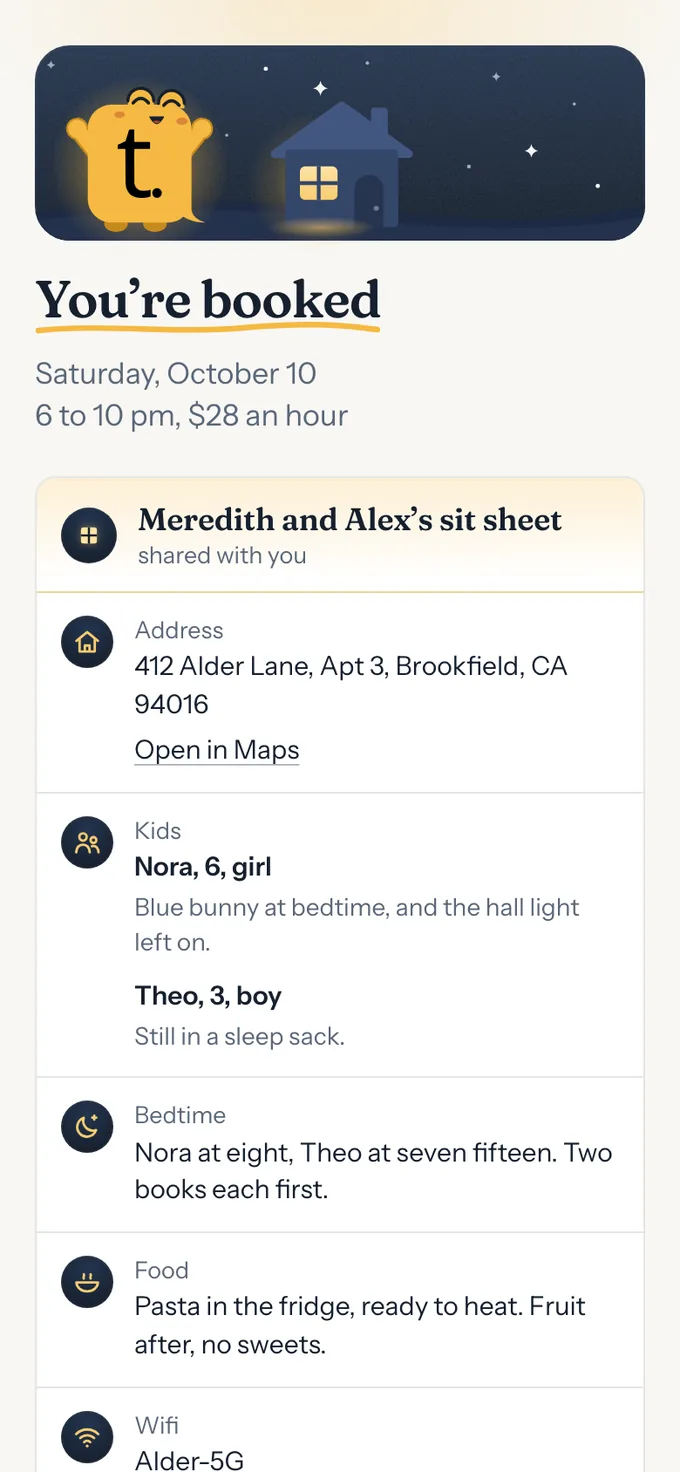
The first yes books it. Your address and sit sheet open on Maya's page alone. Ben and Kai never hear about Saturday.
Sat 10:34 pm
Put in the hours that ran, and Past sits does the sum at the booked rate. Maya never sees it.
Saturday, October 10
4 hours 34 minutes at $28 an hour. Rounded from $127.87.
What it costs
Free
Tuck writes every ask and says whose turn it is. You send each one from your phone, so it comes from a number your sitter knows.
Every screen, every sitter, every ask. Not a trial.
$6 a month, or $60 a year
Tuck sends each one itself, from its own number, and only to sitters who have texted YES to Tuck.
Not on sale yet
Both ways side by side, and what has to be true first.
Who sees what
Your first names, the day, the time, your kids' first names and ages and your pets (or, if you choose, just how many kids, their ages and what kinds of pets), the rate and your note are all a sitter reads before they answer. Only a text you send yourself shows anything more before yes, and two of these never light at all.
| What a sitter could learn | Saying Tuck can text them | Being asked | After they say yes |
|---|---|---|---|
| Your first names | Shown | Shown | Shown |
| The day, hours, kids' ages, pets, rate and your note | Never | Shown | Shown |
| Your address | Never | Never | Confirmed sitter only |
| Your kids' and pets' first names | Never | Shown, unless you choose Generic | Shown |
| Your sit sheet | Never | Never | Confirmed sitter only |
| Your mobile number | Only on a text you send yourself, with your household's other parents on it | Only on a text you send yourself, with your household's other parents on it | Confirmed sitter only, to call or text you |
| Who else you asked, or in what order | Never | Never | Never |
| What you write down after the sit | Never | Never | Never |
Shown, from that moment onNever shownOnly on a text you send from your own phone
The same promise is on the trust page and in the privacy policy.
The short version
Tuck is for sitters you already trust, 18 and over. It never shows you anyone else, never shows yours outside your household, and runs no background checks.
The rate is between you and your sitter. Tuck states it in the text so nobody's surprised, and never touches the payment. Afterwards it can do the arithmetic for you and hold your own note of whether you've paid.
Not to advertisers, not to anyone. Delete your family in the app, or ask us and we'll do it within 30 days. Your data goes with it, from our backups within 30 days, but for what a phone carrier can ask about a text already sent.
One text, one tap, one page answers every ask. No account needed, and no password, ever.
Jarryd, a parent who asks the family's own sitters with it. Tuck opened to other families in September, and there are no reviews to quote yet. Write to jarryd@asktuck.com and it reaches Jarryd.
Set up your family
Free for families. One tap with Apple or Google, then your first name and your mobile number.
By continuing you agree to the terms and privacy policy.
Already set up? Sign in, or walk through the demo first.