Why did I get this text?
A parent who already has your number added you to their list on Tuck. The first thing most sitters get is a heads-up from that family, sent from a parent's own phone with the family's other parents on the thread, with a link to say Tuck can text you about sitting for them. After that, a text comes only when that family asks about a specific date, and once more when it's settled. We don't look for sitters, and we don't have your number unless a family you know gave it to us.
Will Tuck text me late at night?
Between 8 pm and 8 am in the family's time zone, Tuck's number sends you an ask only when the family has just asked, or the sit starts by 8 am; any other ask waits until 8 am.
Is the text from the family, or from Tuck?
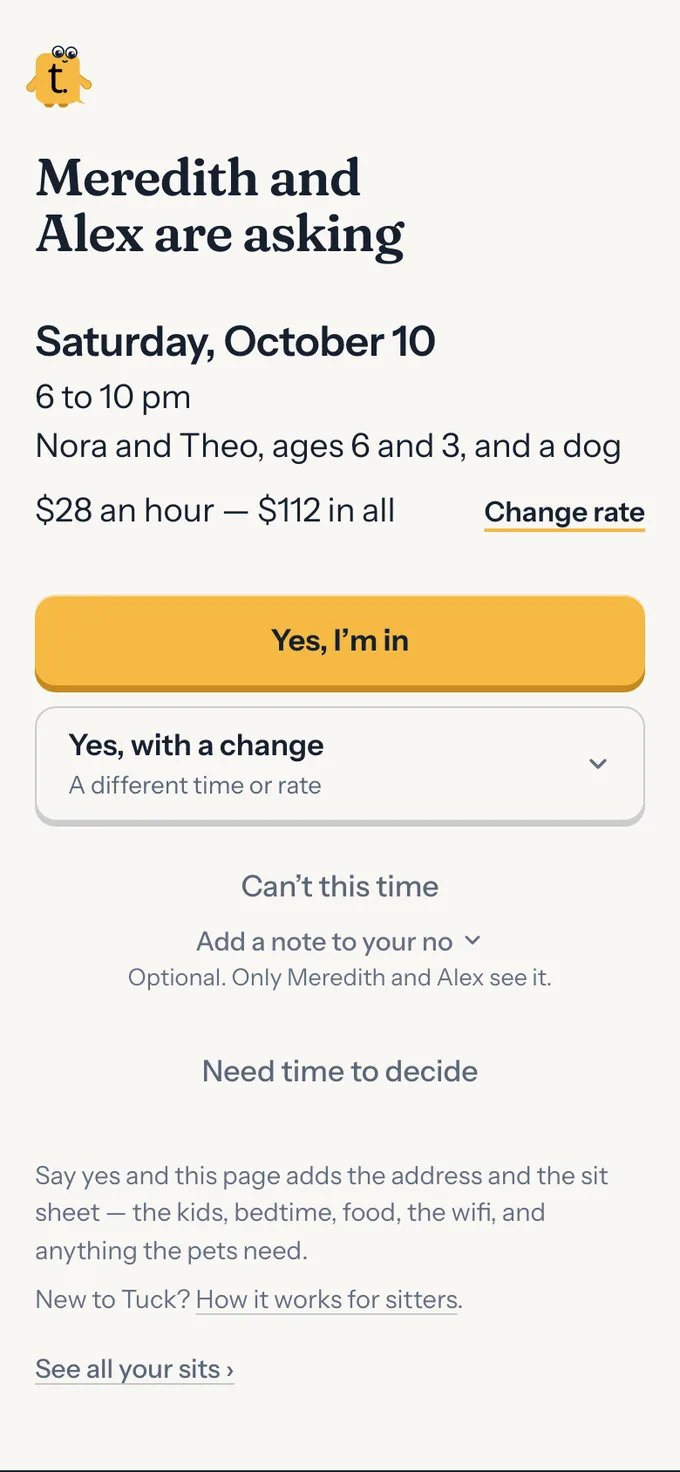
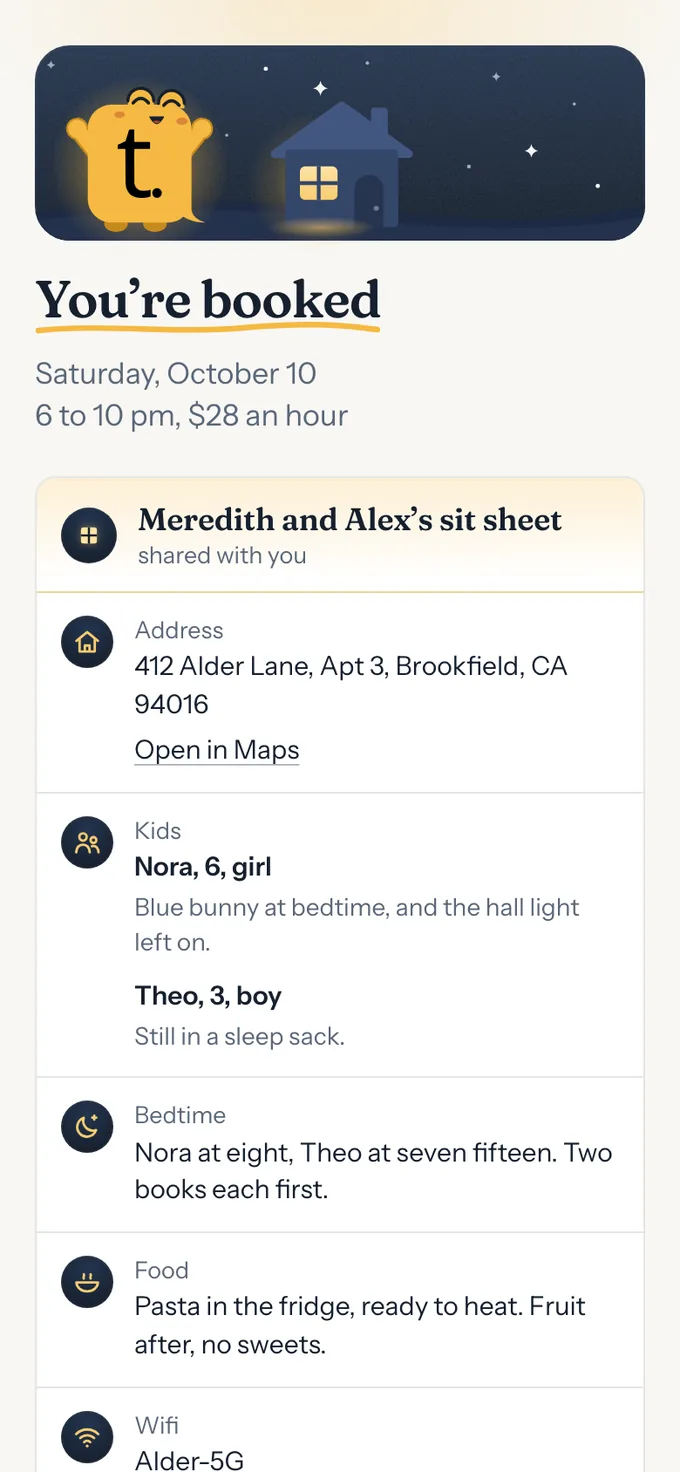
Until you say yes to Tuck, the family's asks come from the parent's own phone, in words Tuck wrote, which may name the kids and pets it's for, with any other parent in that family on the same thread. To say yes, open the family's link — or tap Opt in to texts from Tuck at the bottom of a page from them — and tap Yes, Tuck can text me. It opens a text to Tuck's number, (833) 349-4533, with YES and a short code already written. Send it from your own phone and Tuck texts back to say you're set. Only a text from your number counts, so nobody can say yes for you. After that, Tuck can text you that family's asks from its own number, which you might save as Tuck — if that family has Tuck send their texts. Many don't: on Tuck's free plan every ask comes from the parent's own phone, whatever you've said yes to, and the page where you say yes tells you which it is for them. Your yes is what makes the other way possible; it doesn't switch it on. Before you say yes, the link's page shows the family's first names, the last two digits of your number so you know which phone it's about, the YES to send, what you're agreeing to, and that Tuck is for sitters 18 and over. Nothing else. Your yes is for that family only; it says nothing for any other family you sit for.
Do I have to download anything or make an account?
No. Tap the link, answer, done. If you sit for more than one family, you can see all their asks in one place, on your own page: text SITS to Tuck's number, (833) 349-4533, and add Apple or Google if you like. It's optional. A week after you add Apple or Google, that's how you sign in there, and your booked sits open from there too; until then they open from each family's text. Tuck texts your number when one is added, so you'd know if it wasn't you. Either way, there's nothing to install and no password. The link is private to you and stops working when the request is over (or, for several dates of one ask, when the last of them is). When a family asks about several dates in one text, or adds a date to an ask already out, the one link lists each of them, and you answer each on its own: yes to one, can't to another. A different rate can be asked for every date still open in one tap, and each date still gets its one round. The link to say Tuck can text you is the same: one page, and one text you send.
Who can see my number?
Only the families who already have it. Tuck doesn't show it to anyone else, and nobody finds you through Tuck: a family can only ask you if they already have your number.
How old do I have to be?
18. Tuck is only for sitters 18 and over, and a family adds a sitter by telling us they're 18 or older. If you're not, reply STOP to any text from Tuck and Tuck stops texting your number; email jarryd@asktuck.com as well and we'll take your number off every family's list. You can still sit for that family — they'll just ask you the way they did before Tuck.